
 Comparison
WP Clinic vs WP Buffs: WordPress Support Services Compared
Last Updated: November 7, 2026
Quick Summary
WP Clinic Australia provides 24/7 WordPress support, including 1am emergencies, with no lock-in contracts and management by Steve, who has worked with WordPress since its 2004 Beta days. WP Buffs instead offers subscription-based support with priority cover on higher tiers, suiting routine maintenance.
- A WordPress maintenance checklist should cover updates, daily backups with a tested restore, security monitoring and uptime checks.
- Ask how WooCommerce backups are handled, since stores must capture orders and customer data, not just files.
- The real test of emergency cover is whether a named person responds overnight with authority to fix the site.
- WP Clinic Australia's Security & Maintenance Essentials covers security and maintenance, with hosting and daily backups added separately.
Table of Contents
- WordPress Support Services Compared: WP Clinic vs WP Buffs
- What a WordPress Maintenance Checklist Should Cover
- WordPress Emergency Support: Who Answers at 2am?
- Frequently Asked Questions
WordPress Support Services Compared: WP Clinic vs WP Buffs
Choosing between WordPress support services comes down to who is awake when your site breaks at 2am. This comparison sets WP Clinic Australia against WP Buffs on overnight cover, contract terms and response-time promises.
WP Clinic Australia is a done-for-you maintenance and support service built around 24/7 availability, including 1am emergencies, with no lock-in contracts and management by Steve, who has worked with WordPress since its Beta days in 2004.
| Criteria | WP Clinic Australia | WP Buffs |
|---|---|---|
| Overnight emergency cover | 24/7, including 1am | Priority support on higher tiers |
| Contract terms | No lock-in contracts | Subscription |
| Best for | Businesses that need overnight cover | Routine maintenance with tiered extras |
Best for: small businesses without in-house IT. Skip if: you only need basic weekday maintenance.
For a wider view, browse our comparison articles.
What a WordPress Maintenance Checklist Should Cover
A WordPress maintenance checklist should cover four things: core, theme and plugin updates; daily backups with a tested restore point; security monitoring and malware response; and uptime and performance checks.
- Core, theme and plugin updates on a schedule, with a rollback plan
- Daily off-server backups, plus one test restore
- Security monitoring, malware scanning and a clear response process
- Uptime monitoring with alerts that reach a human
- Performance checks, including WooCommerce checkout and payment flows
- A named contact and a stated response time
- Scope in writing: what is included, what is excluded, who owns the site
The gap most providers leave is WooCommerce. A store handles payments, so backups must capture orders and customer data, not just files (Backing up WordPress content Documentation). Ask how WooCommerce website backups are handled and which WordPress backup plugins are used.
If you would rather hand the whole checklist over, WP Clinic Australia's WordPress Security & Maintenance Essentials covers security and maintenance, while Hosting, daily backups & full coverage adds hosting and daily backups.
For more detail, see our WordPress maintenance guidance, or follow our step-by-step maintenance walkthrough if you handle some tasks yourself.
WordPress Emergency Support: Who Answers at 2am?
Emergency support is the hardest promise to keep. A provider can claim 24/7 cover, but the real test is whether a named person responds overnight, in your timezone, with authority to fix the site rather than log a ticket.
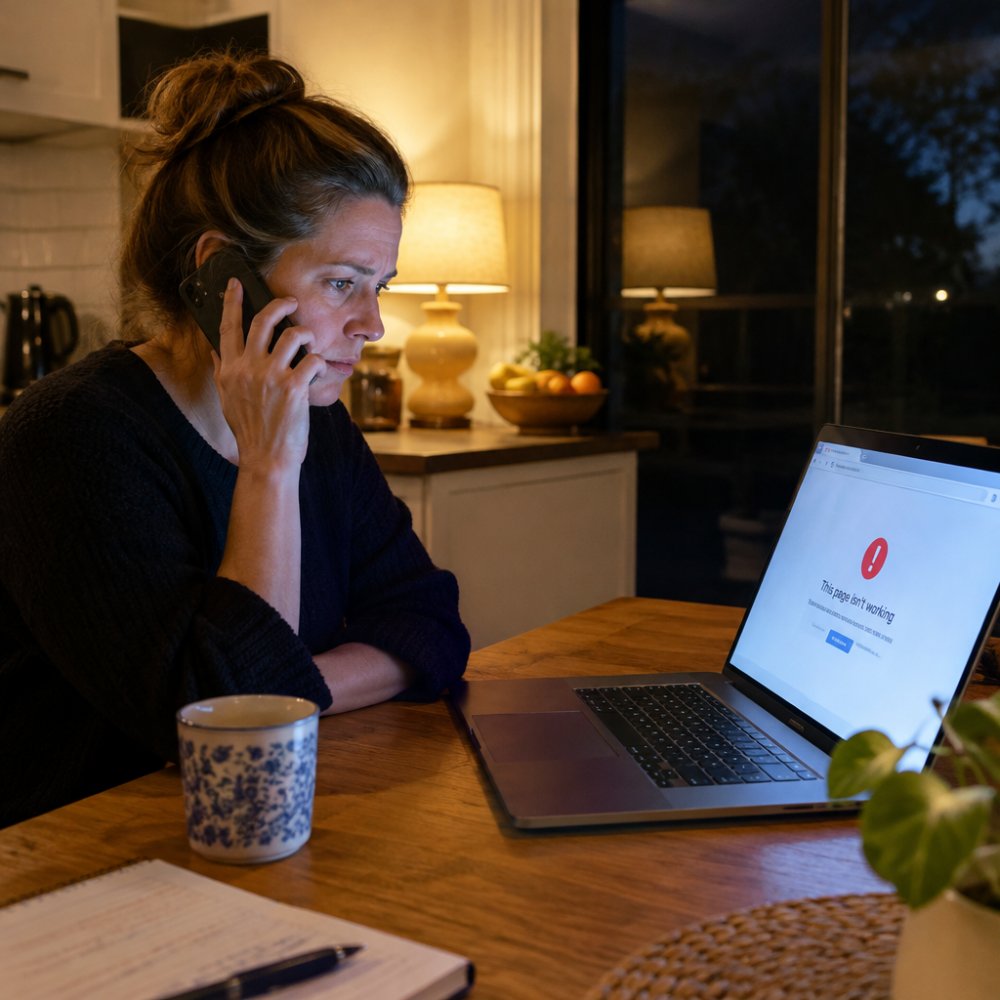
WP Clinic Australia offers 24/7 availability including 1am support, managed by Steve, with Australian-based support in your timezone.
Ask any provider who actually answers at night and what they can do without approval.
If downtime is your main worry, our guide to the best WordPress monitoring service explains which services alert a human when a site drops.
Your site does not care what time it is when it fails, and neither should your support. WP Clinic Australia provides 24/7 availability including 1am emergencies, no lock-in contracts, daily backups and monitoring, AI-powered diagnostics, and Australian-based support in your timezone. Get started with WP Clinic Australia and stop losing revenue to overnight downtime.
Frequently Asked Questions
What do WordPress support services include?
Most plans bundle core, theme and plugin updates, daily backups with a restore point, security monitoring and malware removal, uptime monitoring and a channel for support requests. Higher tiers add performance work, monthly reporting and priority response. WP Clinic offers AI-powered diagnostics and 24/7 availability including overnight emergency support. Always check what is excluded, such as content edits or third-party integrations, before signing.
Do WordPress support services provide emergency help?
It depends on the provider. WP Clinic advertises 24/7 availability with critical overnight emergency support, so a site failure at 2am can be actioned in your timezone. Ask each provider for a written response target, not just a promise of 'fast' help, and confirm whether emergency fixes sit inside your plan or attract a separate charge.
How often should I back up a WooCommerce website?
Daily backups are the practical minimum for a WooCommerce store, because orders, stock levels and customer accounts change every day. A weekly backup can wipe a week of transactions if a restore is needed. Confirm that backups are stored off-site, that a restore point is tested periodically, and that the backup captures the database as well as files. Backup plugins can handle this, but someone still needs to verify restores actually work.