
 How-to
How to Get Professional Emergency Fix Support for Accounting Firms
Last Updated: November 15, 2026
Quick Summary
Professional emergency fix support for accounting firms gives your practice a trained team to diagnose and resolve site outages fast, so a 1am crash before a lodgement deadline doesn't cost you a client. Contact your provider with the exact error type and the time the site was last confirmed working.
- Confirm the outage is real by loading your site on mobile data, not office Wi-Fi.
- Check your host's status page for reported incidents before contacting anyone.
- Test a static HTML file: if it loads but WordPress pages fail, the fault is WordPress.
- Never restore a backup until you know what caused the failure, or you may overwrite logs.
- Pause scheduled email campaigns pointing to the site while the outage is unresolved.
Table of Contents
- Why Accounting Firms Need Professional Emergency Fix Support
- Your Website Outage Checklist for Accounting Firms
- WordPress Downtime Troubleshooting: Hosting or WordPress?
- Frequently Asked Questions
Why Accounting Firms Need Professional Emergency Fix Support
When your practice site goes down at 1am before a lodgement deadline, professional emergency fix support for accounting firms is what stands between a minor glitch and a lost client.
Every hour of downtime makes your practice look unreliable. A host can confirm the server is running while your site shows a blank page. That gap is where emergency fix support earns its place.
Weighing ongoing care against reacting only when something breaks? Our comparison of Australian WordPress maintenance services versus DIY sets out both paths, and our monthly WordPress maintenance plans cover monitoring, backups and updates before they become emergencies. If you'd rather have that cover handled for you, our WordPress Security & Maintenance Essentials plan is built for exactly this kind of ongoing protection.
Your Website Outage Checklist for Accounting Firms
Work through this checklist in order so a panicked response doesn't become a second problem.
- Confirm the outage is real: load the site on mobile data, not office Wi-Fi
- Check your host's status page for reported incidents
- Note the exact error: blank page, 500 error, database error, or timeout
- Log the time the site was last confirmed working
- Pause any scheduled email campaigns pointing to the site
- Contact your support provider with the error type and timestamp
- Do not restore a backup until you know what caused the failure
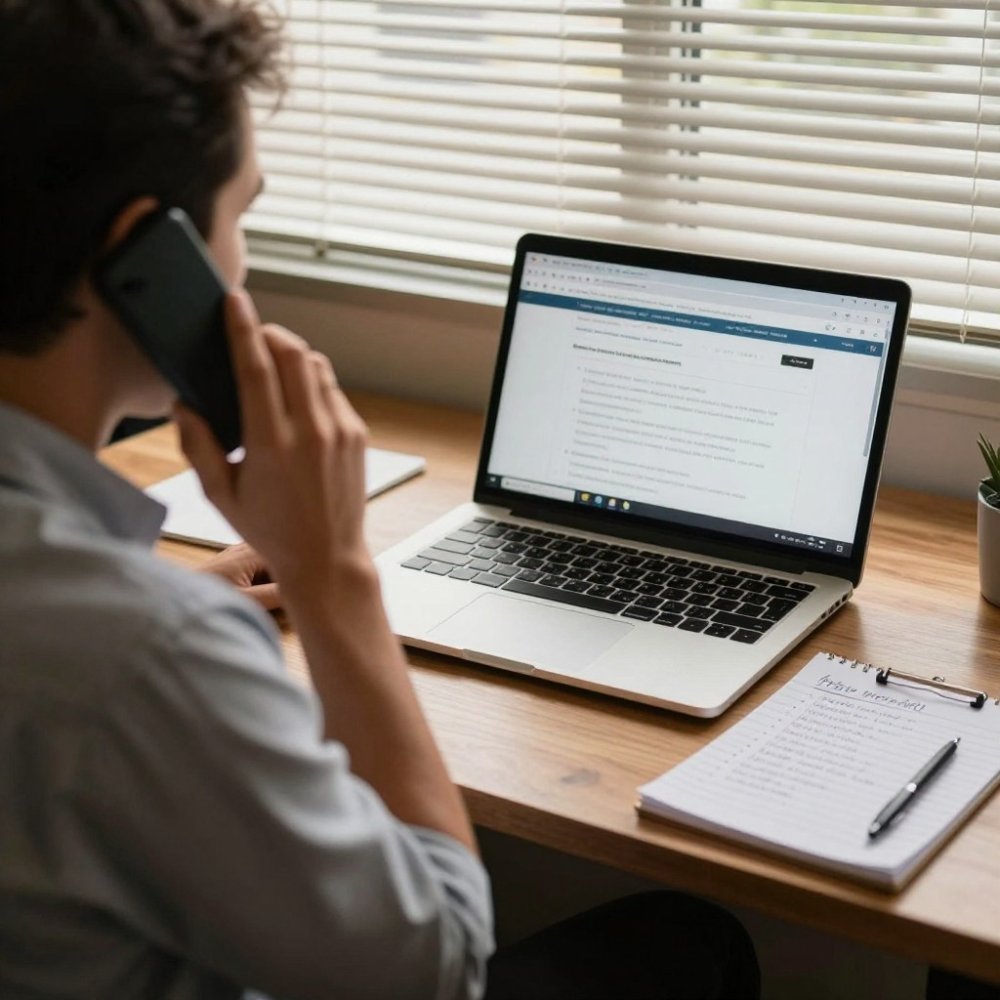
That last point is the one people get wrong: restoring over a live fault can overwrite logs you need. To see which tools watch your site around the clock, read our guide to the best WordPress monitoring service in Australia.
WordPress Downtime Troubleshooting: Hosting or WordPress?
The fastest way to tell them apart is to test a static file: if a plain HTML file loads but your WordPress pages do not, the fault sits in WordPress, not the hosting.
| Symptom | Likely Cause | First Check |
|---|---|---|
| Whole server unreachable | Hosting or DNS | Host status page |
| Static file loads, pages fail | WordPress core, theme or plugin | Disable plugins one by one |
| Database connection error | Database server or credentials | Host database status |
Hosting faults need your provider; WordPress faults need someone who knows the platform. Security choices affect stability too, our guide to alternatives to WordPress security plugins compares plugin-based protection with server rules and managed services.
An outage during lodgement season is a business risk, not an inconvenience. WP Clinic Australia handles it with 24/7 availability including overnight emergencies, AI-powered diagnostics that flag problems before clients notice, and daily backups with full recovery coverage. No lock-in contracts, and support from Steve, who has worked with WordPress since 2004. Get started with WP Clinic Australia and stop losing billable hours to downtime.
Frequently Asked Questions
What should an accounting firm do when its website goes down?
Work through a short website outage checklist: confirm the site is down from a second device or network, note the exact time and any error message, check your host's status page, and avoid repeated plugin or theme changes until you know the cause. Then contact your emergency fix support provider with those details. During tax season, treat any outage as urgent because clients checking lodgment progress or paying invoices may go elsewhere.
How quickly should a WordPress outage be addressed?
Aim to have someone diagnosing the fault within minutes, not hours. Every minute of downtime risks enquiries, invoice payments and client trust, and search rankings can suffer if the site is unavailable for long periods. Ask any provider for written response and resolution targets before you sign, and confirm whether they cover overnight and weekend incidents, since accounting practices often work beyond standard hours.
How can accounting firms reduce the risk of WordPress downtime?
Set up WordPress uptime monitoring that alerts you the moment the site stops responding, keep daily backups stored off the server, apply software updates in a staging environment first, and limit staff access to the minimum they need. A maintenance plan that covers security checks, backup testing and monitoring reduces the chance of an outage and makes WordPress site recovery faster when something does fail.